AI YouTube Thumbnail Generator
Describe your video and let the AI thumbnail maker design it for you. Click-ready YouTube thumbnails in seconds, at full resolution and with no watermark. 50 free credits on signup, no card. Want to make one right now without an account? Use the free thumbnail maker below, or load one of the 12 thumbnail ideas in one click.
Free YouTube thumbnail maker — no account, no watermark
The generator above designs the artwork with AI, which needs an account. This one doesn't need anything: pick a layout, type your text, optionally drop in a photo, and download the PNG. It runs entirely in your browser, so your photo never leaves your device and no credits are spent. Every size below is a real YouTube-ready 16:9 export.
Free, no account, no watermark. The image is drawn in your browser and downloaded straight from it — nothing is uploaded and no credits are used.
Two to five words. Longer text comes back smaller and stops being readable at sidebar size.
The default YouTube look — huge outlined text on a dark, saturated field. Survives being shrunk to a phone sidebar.


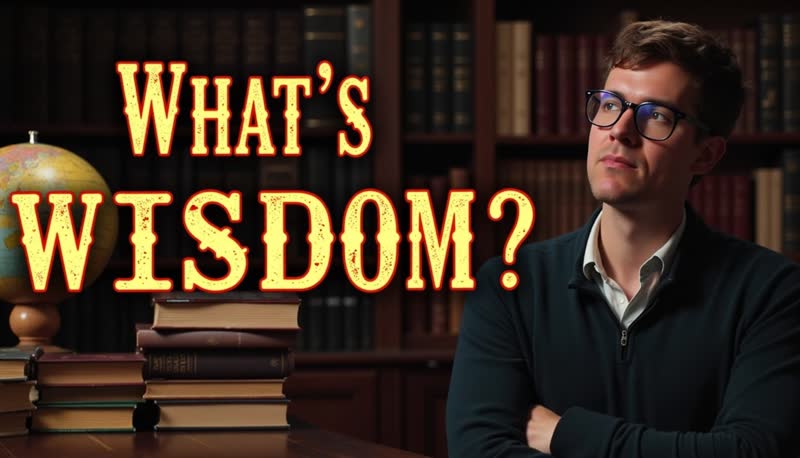
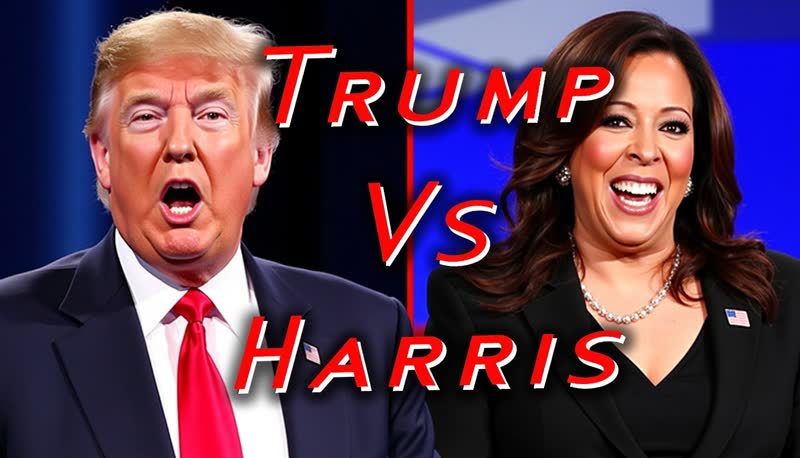

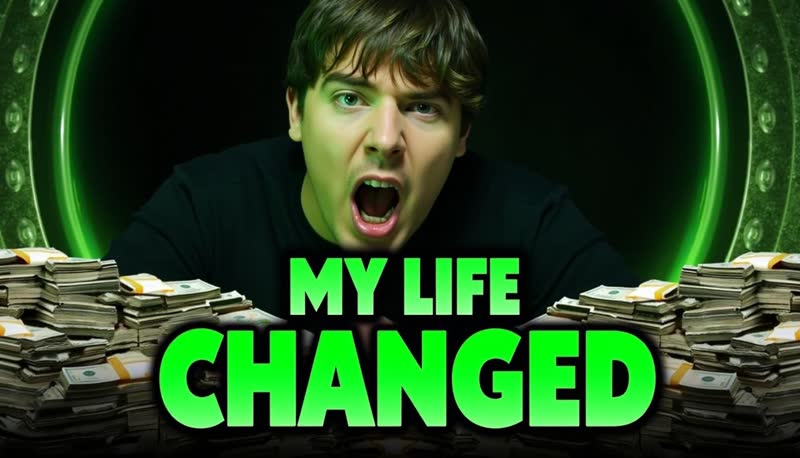
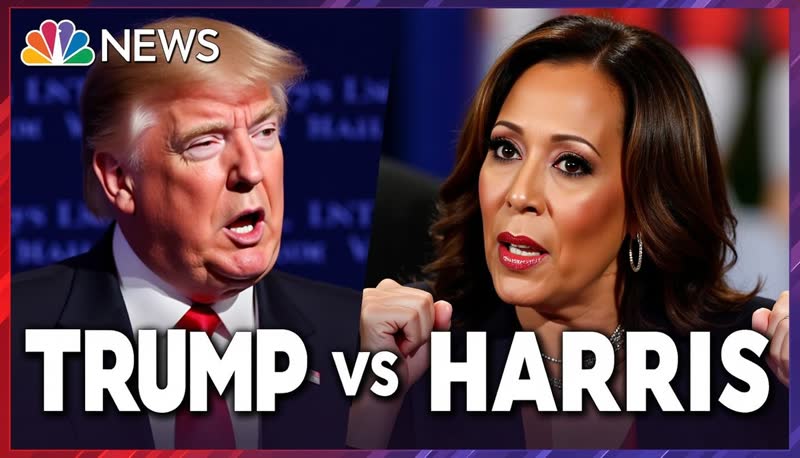

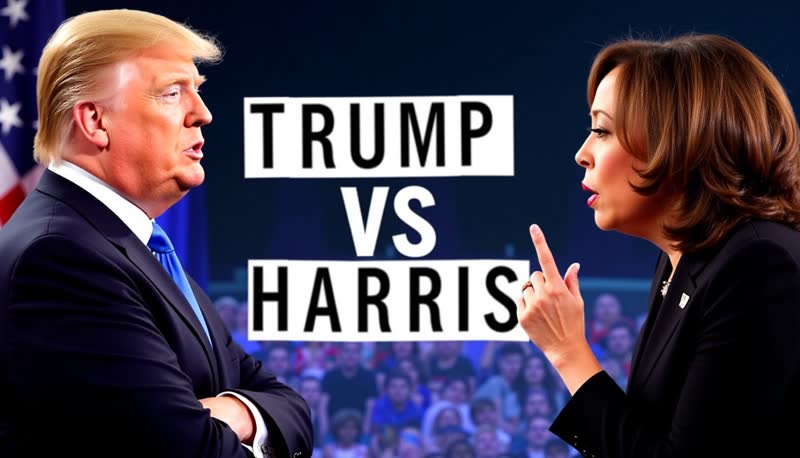

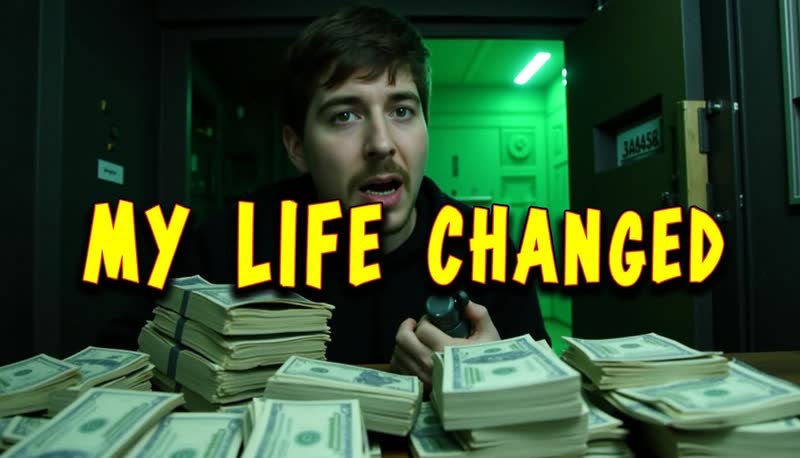
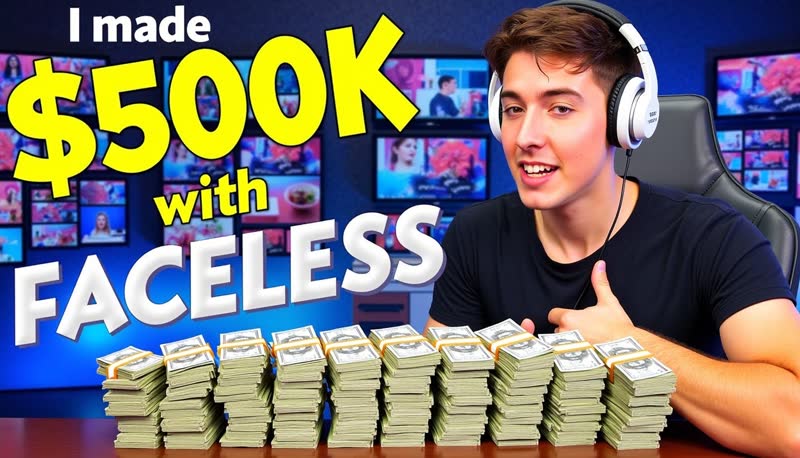
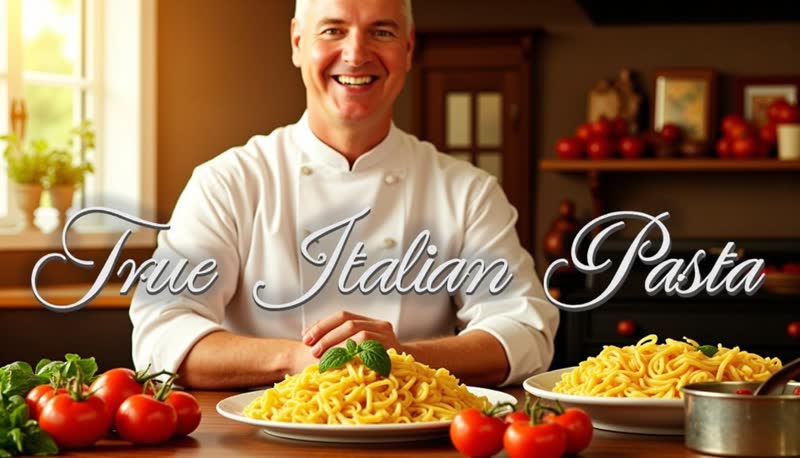
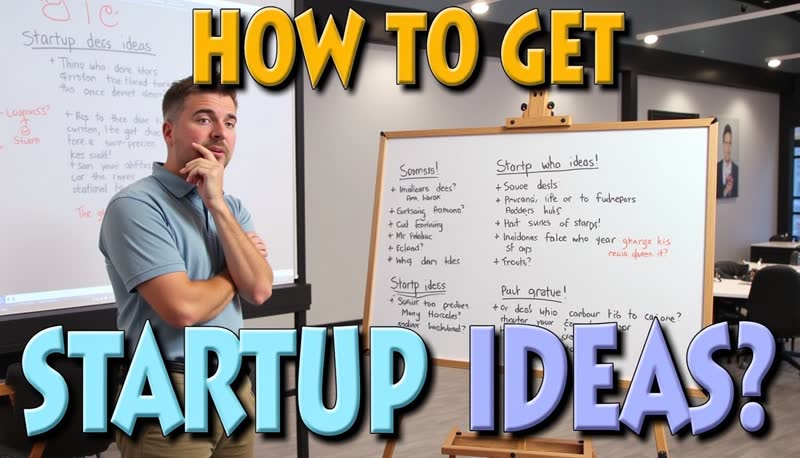

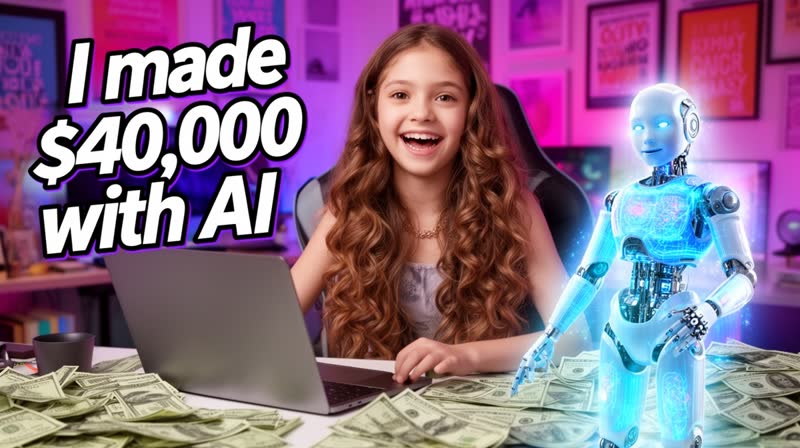
YouTube thumbnail ideas by niche
Staring at an empty box is the hard part. Each of these is a working starting point for a different kind of channel — click one and it fills the generator above with the video description and the display text, ready to edit or generate as-is.
Gaming
A shocked face plus one impossible number is the whole genre. Keep the game recognisable in the background.
Thumbnail text: “LEVEL 1. NO ARMOUR.”
Tutorial & how-to
Show the finished result, not the process. The promise is the outcome the viewer wants in their hands.
Thumbnail text: “No code. One afternoon.”
Finance & money
Money thumbnails live on one hard number and a face reacting to it. Specific beats big.
Thumbnail text: “$10,000 SAVED”
Reaction & commentary
Split the frame: your reaction on one side, the thing you're reacting to on the other.
Thumbnail text: “I was wrong.”
Tech review
The product, lit hard, held up to camera. One verdict word does more than a spec sheet.
Thumbnail text: “30 DAYS LATER”
Fitness & transformation
Before and after in one frame. The timeframe is what makes people click, so put it in the text.
Thumbnail text: “90 DAYS”
Food & cooking
Extreme close-up, steam, cheese pull. Food thumbnails win on texture, so let the dish fill the frame.
Thumbnail text: “Restaurant pizza. Home oven.”
Travel & vlog
One landmark, one person small against it. Scale is the story; don't crowd the frame.
Thumbnail text: “TOKYO ON $100”
Podcast & interview
Two faces, mid-expression, mic visible. The quote is the hook — pick the line that makes people stop.
Thumbnail text: “"I walked away."”
Education & explainer
One clean diagram or object against a flat background. Clarity outranks drama here.
Thumbnail text: “Time bends here”
Challenge & experiment
The constraint is the hook. Name it in the text and let your face carry the stakes.
Thumbnail text: “$5 A DAY. 7 DAYS.”
Storytime & true crime
Dark, moody, one lit detail. Faceless channels lean on atmosphere instead of a presenter.
Thumbnail text: “Nobody talks about it”
An AI thumbnail maker built for YouTube
Describe your video and let AI design the thumbnail — your first generations run on free signup credits, and nothing you download carries a watermark
Built for clicks
The generator follows the design patterns that make thumbnails clickable — bold readable text, a clear focal point, and high contrast — so every concept starts from what works on YouTube.
Simple and quick to use!
AI Thumbnail Generator is simple to use — provide your display text and a short description about your video and it generates high quality thumbnails for you in seconds.
No editing skills needed
Unlike other Thumbnail generators you don't need to learn complex photo editing tools. Describe the thumbnail you want and the AI handles composition, lighting, and text layout for you.
How to Use the AI YouTube Thumbnail Generator
1. Display text
Provide a catchy phrase or short sentence that will be displayed on your generated thumbnail.
2. What will your video be about?
Tell AI about your video — a short description does the job.
3. Let AI generate your thumbnail
Our AI will start generating a few thumbnails for you. Download your favorites and get going.
Why Use AI YouTube Thumbnail Generator?
- Save time and overcome designer block
- Generate many thumbnails and A/B test to find the best one
- Get bold text, clear focal points, and high contrast by default
- Explore different ideas easily and quickly
- Re-roll a concept until it clicks — credits are the only cost
What Makes a Good YouTube Thumbnail?
Eye-Catching Visuals
Stand out in search results
Clear Focal Point
Draw attention to key elements
Consistent Branding
Reflect your channel's identity
Relevant Text
Complement the visuals with key phrases
High Contrast
Ensure visibility at small sizes
Emotional Appeal
Evoke curiosity or excitement
How to write the text on your thumbnail
The display text is the field that decides whether a generated thumbnail works. It gets rendered into the image, so a long sentence comes back small, cramped, and unreadable at the size people actually see it — a sidebar suggestion on a phone.
- Two to five words. “$5 A DAY. 7 DAYS.” survives being shrunk. “How I managed to live on only five dollars per day” does not.
- Don't repeat your title. The title sits right next to the thumbnail. Use the text to add the missing half — the number, the twist, or the stake.
- Be specific. A real number (“30 DAYS LATER”, “$10,000 SAVED”) outperforms a vague superlative like “INSANE”.
- Leave a gap, don't tell a lie. Curiosity is what earns the click, but YouTube scores your thumbnail on watch time (see below) — so a promise the video doesn't keep loses the test it was built to win.
- Describe the scene separately. Put the setting, subject, and mood in the video description field and keep the display text short. The two fields do different jobs.
Is this AI thumbnail maker free?
There are two tools on this page and they're free in two different ways, so here's the split. The thumbnail maker is free with no account at all — it draws the image in your own browser, so there's nothing to sign up for, nothing to spend, and no upload. Use it and download a PNG without ever telling us who you are.
The AI generator at the top is the one that needs an account, because it runs an image model on our side rather than in your browser. Signing up is free and takes no credit card, and every new account lands with 50 free credits that your first AI generations run on.
Your thumbnails come out without a watermark — full resolution, clean, ready to upload — even the ones made on free signup credits. That's different from ClipTalk's free video renders, which do carry a small watermark that paid plans remove. For thumbnails there is nothing stamped on the image at any tier.
When the free credits run out, paid plans ($19, $39, or $59 a month) simply top up your monthly credit allowance. There's no per-thumbnail fee on top, so re-rolling a concept until it looks right costs only credits.
YouTube thumbnail size and requirements
Everything this generator outputs already fits YouTube's specs, but it's worth knowing what they are — a lot of advice online still quotes the old 1280×720 number:
- Resolution: 3840×2160 recommended, with a minimum width of 640 pixels.
- Aspect ratio: 16:9 for standard videos (1:1 for podcast playlists).
- File format: JPG, GIF, or PNG.
- File size: up to 2 MB uploading from mobile, or 50 MB from desktop.
- Account: your YouTube account has to be verified before it will let you upload a custom thumbnail at all — otherwise you're stuck with the frames YouTube auto-suggests.
- Shorts: custom thumbnails aren't supported on Shorts. You pick a frame from the video instead, so the thing to design there is a strong opening shot.
Can you make a thumbnail from an existing video or YouTube link?
Two different jobs get called the same thing, so here's the honest split. This generator designs a new thumbnail from a description. You tell it what the video is about and what the text should say, and it generates an original image. It does not take a YouTube URL and pull the existing thumbnail or a frame out of it — that's a downloader, and it's a different tool.
If what you want is a still from footage you already have, YouTube Studio already does it: upload the video and pick from the frames it suggests. The catch is that a frame from your own footage is limited to moments that happened on camera, which is exactly why most channels design a thumbnail instead.
So if your video exists and you want a better thumbnail for it, you're in the right place — just describe the video here rather than pasting its link. Give it the subject, the setting, and the one line you want on screen.
Using it as a general video thumbnail maker
Nothing here is YouTube-only. The generator outputs 16:9 images, which is the same shape a cover image needs on Vimeo, a course platform, a podcast episode page, a webinar registration page, or a blog post header. The design rules carry over too: at small sizes, contrast and a single focal point are what survive.
The one place 16:9 doesn't fit is vertical video. YouTube Shorts, TikTok, and Reels don't take a custom thumbnail at all — the platform pulls a frame from the video itself. There, the thing worth designing is your opening shot, and ClipTalk's video tools let you set exactly what that first scene looks like.
Test your thumbnails the way YouTube actually scores them
The reason to generate several thumbnails instead of one is that you can let YouTube pick the winner. Its built-in Test & compare feature in YouTube Studio runs up to 3 titles and thumbnails against each other and settles within about two weeks.
Here's the part that catches people out: YouTube decides the winner on watch time, not click-through rate. In their own words, “we optimize tests for overall watch time over other metrics, like click-through-rate.” So the thumbnail that wins isn't the most clickbait one — it's the one that pulls in viewers who then stay. Practically, that means your thumbnail should promise what the video actually delivers, and it's why generating a few honest variants beats chasing the loudest possible image.
You'll need advanced features enabled on your channel, and the test only runs on desktop, on public long-form videos or podcast episodes.
Got the thumbnail. Now make the video.
A thumbnail is the promise; ClipTalk is where you make the video that keeps it. Describe an idea and get back a finished short — AI-generated scenes, voiceover, synced captions, and music — without filming anything.
Write the script first
Turn the title you just designed a thumbnail for into a full voiceover script with the AI YouTube script generator.
Faceless shorts & TikToks
Turn a topic into a vertical captioned short with the AI TikTok video maker — no camera, no editing.
Put a face on camera
Have a lip-synced presenter read your script with the AI talking character tool.
Proven faceless formats
Run a niche channel with the brainrot, Minecraft parkour, history, or documentary generators.
Frequently asked questions
Explore more AI video tools
The thumbnail is one piece — ClipTalk generates the whole video too
Website to Video Generator
Convert any website URL into professional short videos with AI-powered captions, voice-over, and b-roll.
AI TikTok Video Maker
Create viral TikTok videos from text prompts with AI-generated visuals, captions, and trending audio.
AI Influencer Video Generator
Generate realistic AI influencer videos for marketing campaigns and social media content.
AI UGC Ads Generator
Turn your product page into a UGC ad: generate ready-to-shoot ad scripts free, then render them as AI avatar videos.
AI Talking Character
Create animated talking characters powered by AI for engaging video content and presentations.
YouTube Script Generator
Generate engaging YouTube video scripts with AI tailored to your niche and audience.
YouTube Name Generator
Find the perfect YouTube channel name with AI-powered suggestions for your niche.
Design the thumbnail, then make the video
Generate click-ready thumbnails at full resolution with no watermark, and turn the same idea into a finished video — on free signup credits, no card required.
Free credits on signup · no credit card
Related Free AI Tools
All free AI tools →AI YouTube Script Generator
Turn any topic into a ready-to-record YouTube script in seconds.
YouTube Name Generator
Get unique YouTube channel name ideas for any niche — free, no signup.
AI Talking Character
Create lifelike talking-head videos from a script and a face.
AI Influencer Video Generator
Generate UGC-style influencer videos with a consistent AI persona.